A little about me.
My name is Chad Stewart. I'm an 19 year veteran of the game industry as software engineer. My craft of choice is programming, but I swear I'm a people person!
I first got my start at BioWare working on Star Wars: The Old Republic. After four and a half years of releasing lightsabers and blasters, I took the leap to go indie founding Binary Solo. We put out some cool original stuff like Indie Van Game Jam and Hisato no Saku. We also played a small part in bringing indies to new homes.
After ten long years of hustling, I've settled down as a Senior Software Engineer at Skymap Games. These days you can find me doing weird little experiments with Tiny Mass Games, helping to organize with Boston Indies, or doling out terrible advice.
Things I've written.
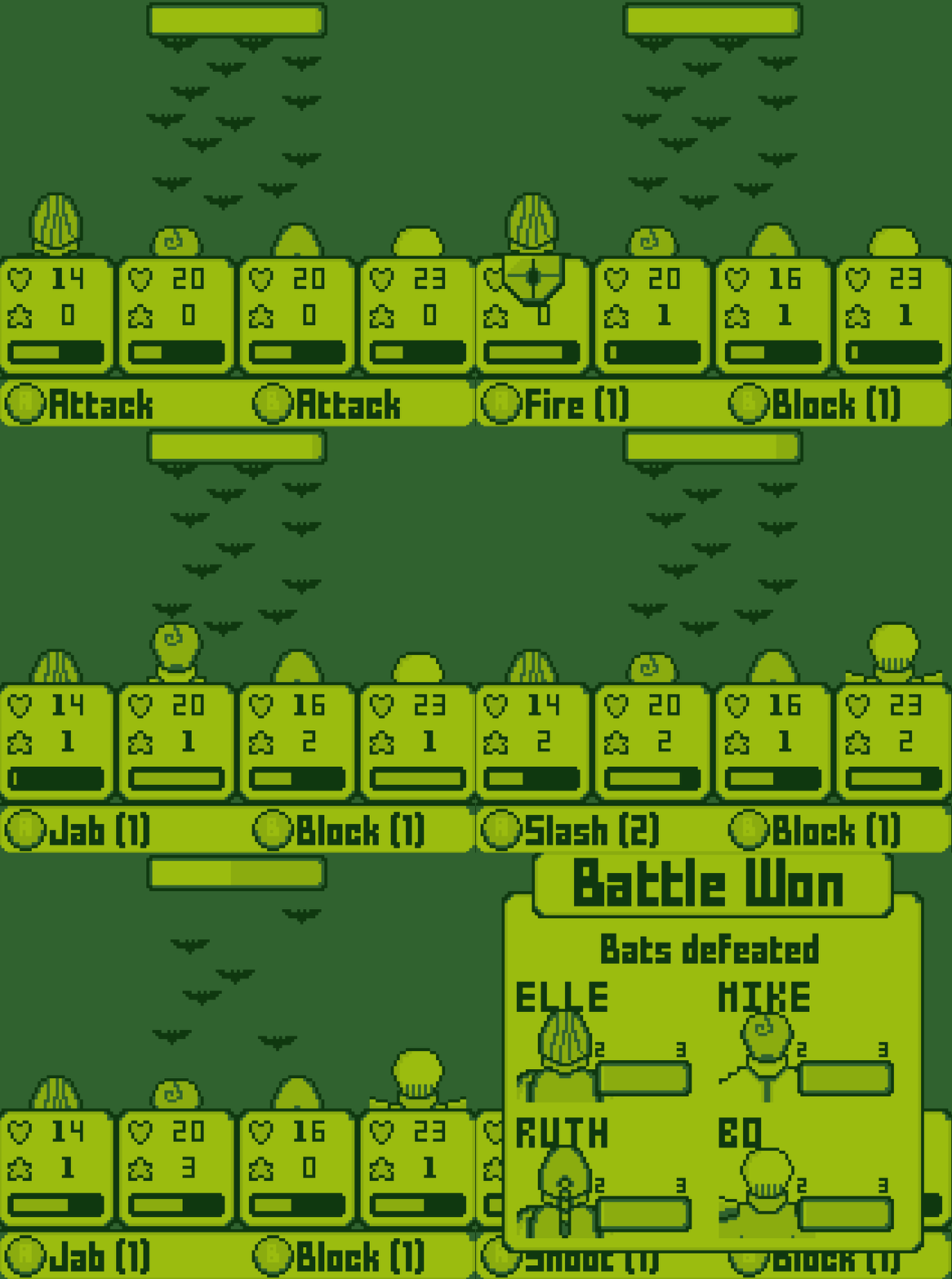
Deeper is my second game for Tiny Mass Games as well as my second project in Godot and my second
Standoff! is my first foray into the world of Tiny Mass Games. It is a card game about deceit and

Okay, no way to dance around this one. The official documentation for Unreal Engine isn’t all that useful. If it’s
Things I've said.

This is a talk about parenting. It is definitely not about anything else.

A talk about how super real algorithms sometimes suck.

I tried something insane. Make a game on my phone. Then I kept doing it.

Over the past year I have been participating in a cool little initiative called Tiny Mass Games. Every 2 -